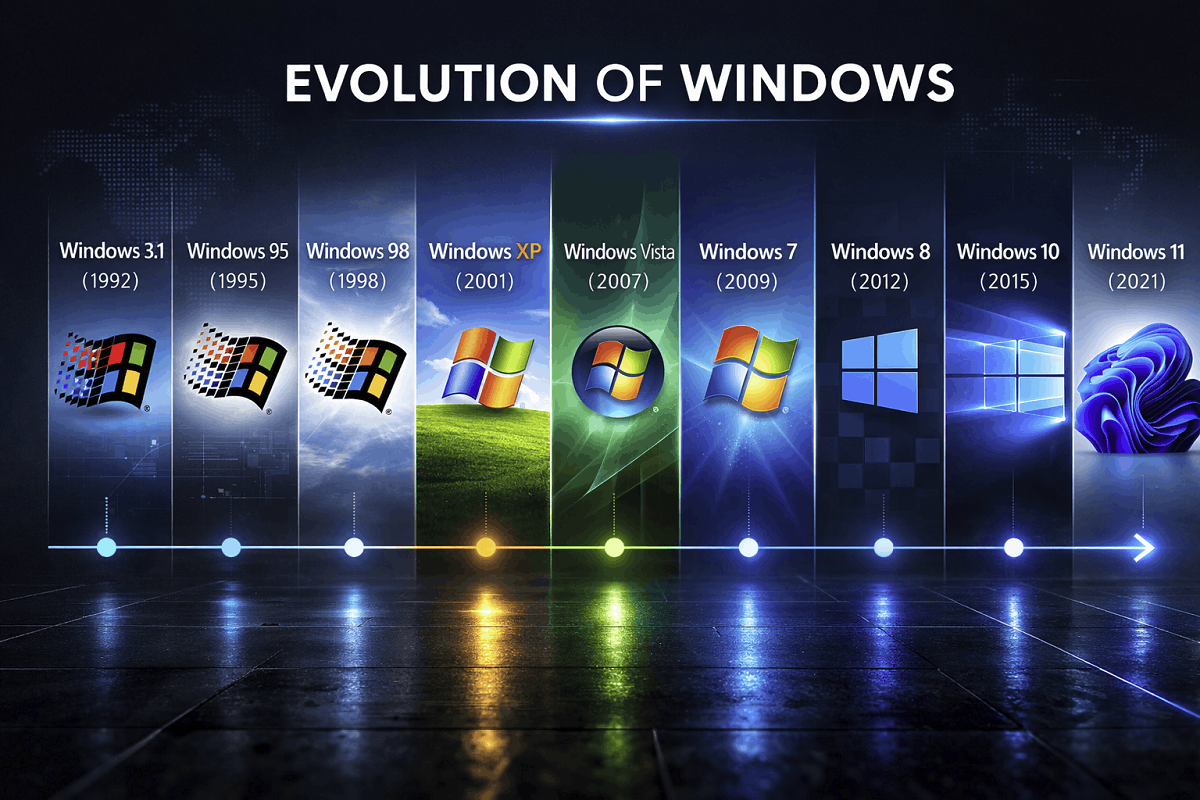
Windows 1.0: The Beginning of Microsoft’s Graphical Operating System Era (1985)
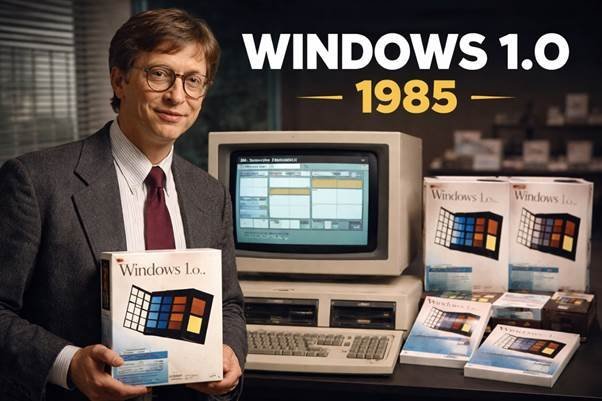
When discussing the evolution of modern desktop computing, everything traces back to one foundational release: Windows 1.0. Officially launched on November 20, 1985, by Microsoft, this version marked the company’s first serious step into graphical user interfaces (GUIs).
Although primitive compared to today’s operating systems, Windows 1.0 introduced key architectural concepts that shaped decades of software development. It was not a standalone operating system but a graphical shell running on top of MS-DOS. Still, it established Microsoft’s long-term direction and laid the groundwork for the Windows ecosystem that dominates personal computing today.
Understanding Windows 1.0 is essential for anyone studying the history of Microsoft Windows, the evolution of GUIs, or the early competition between IBM-compatible PCs and Apple systems.
The Vision Behind Windows 1.0
The roots of Windows 1.0 go back to the early 1980s. During this period, computing was largely command-line driven. Users interacted with systems like MS-DOS by typing commands rather than clicking icons.
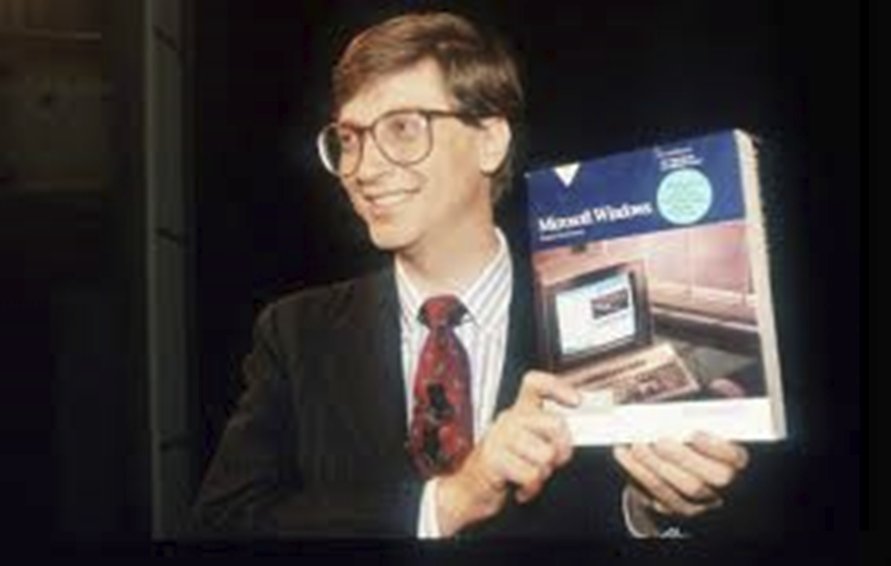
In 1982, Bill Gates attended COMDEX and saw a demonstration of VisiCorp’s Visi On, one of the first graphical interfaces for IBM PC-compatible systems. Around the same time, Apple was developing its own GUI systems based on research from Xerox PARC.
Microsoft quickly realized that graphical environments represented the future. In November 1983, the company announced Windows publicly, although the final product would not ship until 1985 due to design revisions and technical challenges.
Originally codenamed “Interface Manager," the project was restructured to emphasize compatibility and openness. Unlike Apple’s closed hardware ecosystem, Microsoft wanted Windows to run on a wide range of IBM-compatible machines. This strategic decision would later become one of Microsoft’s greatest competitive advantages.
Official Release and Version Timeline
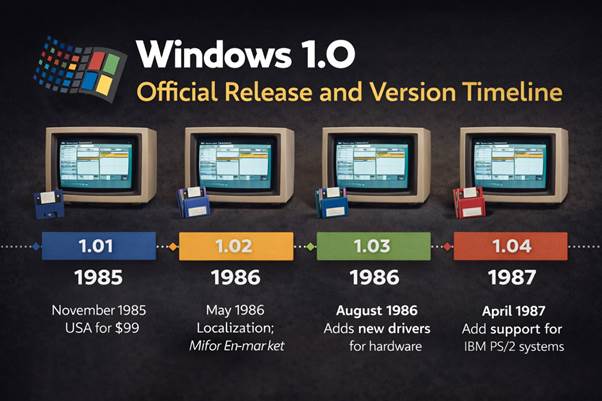
Windows 1.0 was released in multiple iterations between 1985 and 1987.
Windows 1.01 (1985)
The first retail version launched in the United States at $99. It required:
- Intel 8088 processor
- 256 KB RAM
- MS-DOS 2.0
- Two floppy drives or a hard disk
This release introduced the tiled window system and bundled applications like Calculator and Paintbrush.
Windows 1.02 (1986)
Primarily aimed at European markets, version 1.02 introduced localization and non-English keyboard support, expanding Microsoft’s international footprint.
Windows 1.03 (1986)
This version enhanced hardware driver compatibility, including printers and display adapters. It improved system stability and expanded hardware ecosystem support.
Windows 1.04 (1987)
The final major update supported IBM PS/2 systems and introduced broader display compatibility. Microsoft officially ended support for Windows 1.0 on December 31, 2001 — making it one of the longest-supported Windows releases in history.
Core Architecture and Technical Foundations
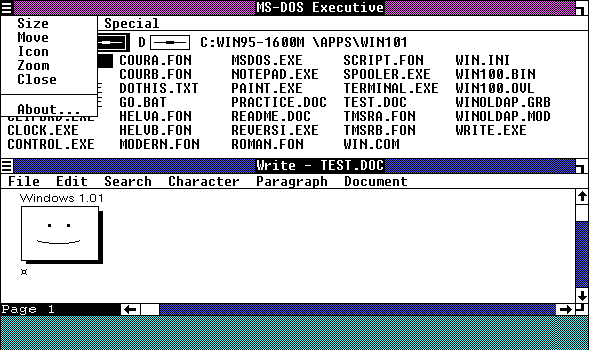
Windows 1.0 functioned as a 16-bit graphical shell layered on MS-DOS. It did not replace DOS but extended it visually.
Monolithic Kernel Structure
The system relied on the MS-DOS kernel for core operations such as:
- File management
- Memory handling
- Input/output operations
Windows added its own abstraction layer for GUI handling.
Dynamic-Link Libraries (DLLs)
One of the most important innovations was the use of early dynamic-link libraries:
- KERNEL.EXE
- USER.EXE
- GDI.EXE
These files separated system functions, interface management, and graphical rendering. This modular design improved memory efficiency and enabled future expansion.
The concept of DLLs would later become central to Windows architecture for decades.
Memory Management and Code Swapping
Due to hardware limitations, Windows 1.0 implemented code segment swapping, allowing parts of programs to be moved in memory dynamically. This allowed limited multitasking within strict hardware constraints.
Graphical Interface and User Experience
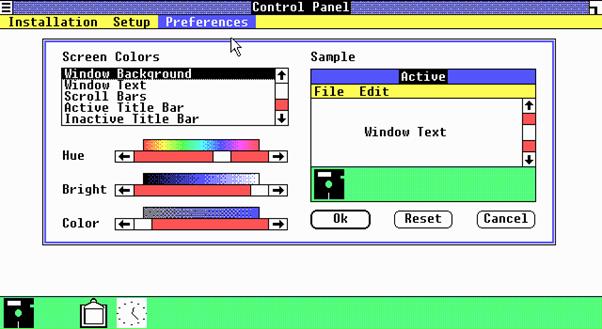
Windows 1.0 introduced the desktop metaphor to IBM PC users.
Tiled Window System
Unlike modern Windows versions, application windows could not overlap. They were arranged side-by-side in a tiled format. This decision simplified memory management and prevented graphical conflicts.
Mouse-Centered Interaction
Although a keyboard could still be used, Windows 1.0 emphasized mouse-based navigation. At the time, this was revolutionary for IBM-compatible PC users.
Built-in Applications
Windows 1.0 shipped with:
- Calculator
- Paintbrush
- Notepad
- Write (precursor to WordPad)
- Terminal
- Clock
- Reversi (mouse-based strategy game)
These applications demonstrated how developers could build GUI-based programs using Microsoft’s APIs.
Introduction of Control Panel
The Control Panel debuted here, allowing users to configure system settings — a feature still present in modern Windows versions.
System Requirements and Hardware Compatibility
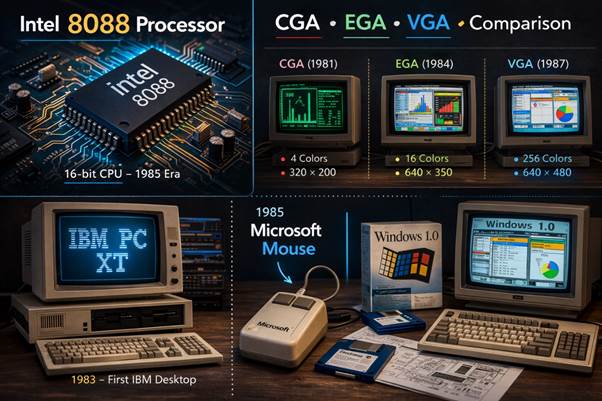
Minimum requirements included:
- Intel 8088 processor
- 256–320 KB RAM
- MS-DOS 2.0–3.20
- CGA, HGC, or EGA graphics (VGA later supported)
- Floppy drives or hard disk
A Microsoft-compatible mouse was recommended but optional.
For optimal performance, Microsoft recommended additional memory when running multiple applications.
At the time, these requirements were considered demanding, especially for home users.
Market Competition and Industry Response
Windows 1.0 entered a competitive environment.
Key competitors included:
- IBM TopView
- Digital Research GEM
- Apple Lisa GUI
IBM notably declined to support Windows initially, instead focusing on its own solutions.
Reviews were mixed. Critics pointed out performance limitations and limited third-party software support. The tiled window design also received criticism for restricting flexibility.
However, industry analysts recognized the platform’s potential. Between 1985 and 1987, approximately 500,000 copies were sold — a modest figure, but enough to justify continued development.
Why Windows 1.0 Mattered More Than Its Sales
Commercially, Windows 1.0 was not a major success. Strategically, it was transformative.
It established:
- The Windows API ecosystem
- Hardware manufacturer partnerships
- GUI software development standards
- Microsoft’s long-term OS strategy
Without Windows 1.0, later breakthroughs like Windows 3.0 and Windows 95 may never have emerged.
Microsoft also built a culture of backward compatibility. Even today, some Windows 1.0 binaries can be adapted to run on modern Windows systems — a testament to Microsoft’s long-term architectural consistency.
Historical Perspective and Modern Relevance
In hindsight, Windows 1.0 represents Microsoft’s willingness to invest in long-term platform strategy rather than immediate profit.
Interestingly, Microsoft even released a nostalgic Windows 1.0-themed application for Windows 10 tied to the Netflix series Stranger Things, highlighting its historical significance.
Today, Windows powers billions of devices worldwide. That global dominance began with the modest, experimental Windows 1.0 release in 1985.