Why we need Choose WinZip? Read Pros and Cons
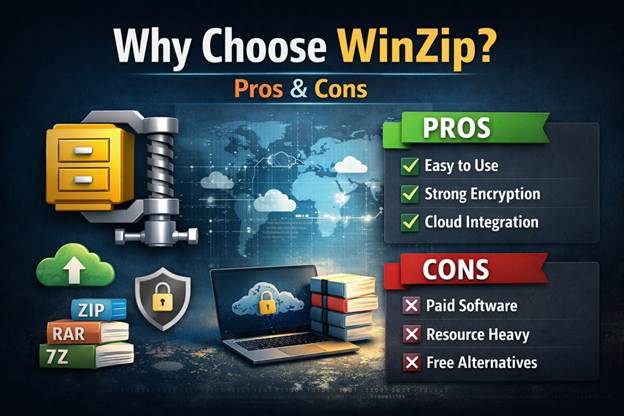
Why We Need to Choose WinZip? Read Pros and Cons
General Information
First, WinZip is one of the oldest and most recognized file archivers. For several decades, it has provided a reliable solution for compressing, encrypting, and sharing files efficiently. However, that alone may not be enough to make it the right choice for everyone. The best choice depends on your specific needs and requirements. Here’s a detailed overview of why you might choose WinZip, along with its advantages and disadvantages.
What is WinZip?
WinZip is a commercial file archiver and compression tool for Windows and macOS. It allows users to compress large files into smaller sizes, making them easier to store, transfer, and manage. Over the years, WinZip has expanded its functionality to include cloud integration, encryption, and file management features.
Why Choose WinZip?
There are several reasons why businesses and individuals continue to prefer WinZip over free alternatives:
- Ease of Use
WinZip has a modern, user-friendly interface, making it easy to use. Its drag-and-drop functionality saves time and simplifies file management. - Advanced Compression
WinZip supports multiple formats, including ZIP, ZIPX, RAR, 7Z, TAR, GZIP, and more. It also provides optimized compression options to reduce storage needs without compromising file quality. - Security Features
WinZip includes strong AES encryption to ensure sensitive files remain protected. Advanced password settings and permission controls make it suitable even for corporate environments. - Cloud Integration
Modern versions of WinZip integrate with popular cloud services such as Google Drive, Dropbox, OneDrive, and iCloud. This allows you to access and manage your files from anywhere with an internet connection. - File Management
WinZip includes tools for file management, such as document conversion, PDF management, image resizing, and backup capabilities. These additional tools make WinZip more than just a basic archiving utility.
Pros of WinZip
- Reliable and established: Trusted quality for decades.
- Cross-platform support: Works on Windows, macOS, iOS, and Android.
- Multiple formats supported: Can manage ZIP, ZIPX, RAR, 7Z, and more.
- Security and encryption: AES 128-bit and 256-bit encryption options.
- Cloud storage integration: Directly access and manage cloud files—you can store them and use them anytime.
- Extra utilities: File conversion, PDF tools, image resizing, and backup options.
Cons of WinZip
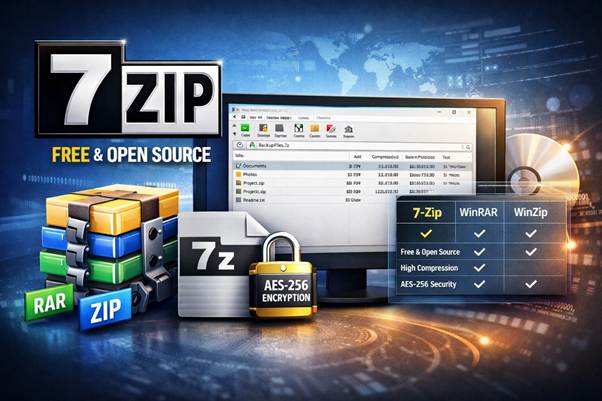
- Cost: WinZip is commercial software and requires a paid license. Free alternatives like 7-Zip or PeaZip offer similar core functionality at no cost.
- Limited free version: The trial version is time-limited and lacks some advanced features.
- Resource usage: Can be heavier on system resources compared to lightweight free tools.
- Optional features may overwhelm beginners: Extra utilities may clutter the interface for users who only need basic compression.
Conclusion
Choosing WinZip is ideal for users who need a reliable, feature-rich compression tool with strong security, cloud integration, and extra utilities. For casual users or those on a tight budget, free alternatives may suffice. However, for professional environments where data security, cloud access, and file management are important, WinZip remains one of the top choices.